






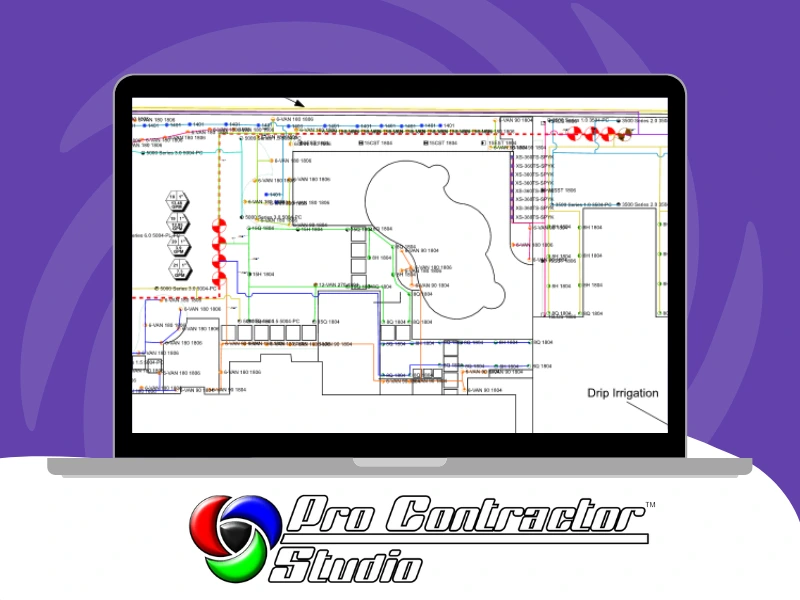
Watch the landscape video
Video coming soon
The 10-minute landscape video is in production
Until it's ready, the tutorial video library covers plant symbols, beds, and labels step by step.
Browse the tutorial videosIn 10 minutes you’ll learn
- Placing plant symbols from the library.
- Drawing beds and edging.
- Getting area takeoffs and plant quantities from the plan.
- Adding labels and notes.
- Printing a client-ready sheet with your title block.
- Start with the plot plan video if you haven't drawn the property yet.
What you need
- Windows 10/11 computer.
- Pro Contractor Studio installed (free download — Explore Mode, no time limit).
- A drawn plot plan (see the plot plan video).
FAQ
Is it free? ⌄
Yes. The video is free, and so is Explore Mode, so you can follow along without a subscription. Saving and printing your plan requires a subscription.
Do I need AutoCAD? ⌄
No. Pro Contractor Studio is stand-alone on Windows 10/11.
When will the video be ready? ⌄
Soon. In the meantime, the tutorial video library covers the landscape tools one at a time.
Can I put irrigation and landscape on the same plan? ⌄
Yes. Irrigation, landscape, lighting, and drainage all work in the same program.
Keep going
Add irrigation to the same plan, or take the full 90-minute class. If you get stuck, our helpdesk and remote support are available.