Zoom to Paper
Zoom to Paper
Zoom to Paper
|
Menu:
|
View  Zoom to Paper Zoom to Paper
|
|
Shortcut Keys:
|
|
|
Toolbar Icon:
|

|
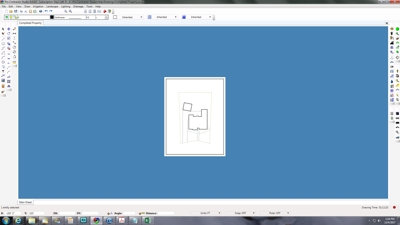
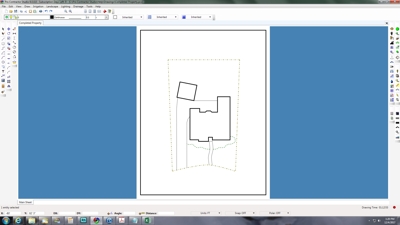
The Zoom to Paper command will display the largest possible view of the paper. The command does not change the actual size of entities on the drawing screen, it simply changes the magnification level making entities appear larger.
|
|
|
View before Zoom to Paper
|
|
|
|
|
|
View after Zoom to Paper
|
Back to All Topics