Combine Lines
Combine Lines
Combine Lines
|
Menu:
|
Edit  Combine Lines Combine Lines
|
|
Shortcut Keys:
|
|
|
Toolbar Icon:
|

|
The Combine Lines command allows you to convert multiple line segments into a single line segment. The individual line segments must share endpoints or they will not combine into one segment. This command will not combine curve or arcs, only individual line segments.
|

|
|

|
|
Can combine - share endpoints
|
|
Cannot combine - do not share endpoints
|
To combine two line segments:
-
Select two line segments that share endpoints.
|
|
|
|
|
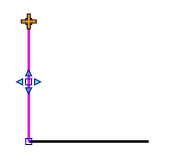
Multiple line segments before combining
|
|
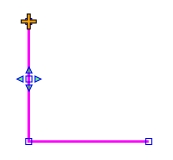
Single line segment after combining
|
Back to All Topics